Editorial
How AWP curates AI tools
A practical note on how AI Workflow Pro evaluates AI tools by workflow fit, category clarity, and usefulness for builders.
 AWP Editorial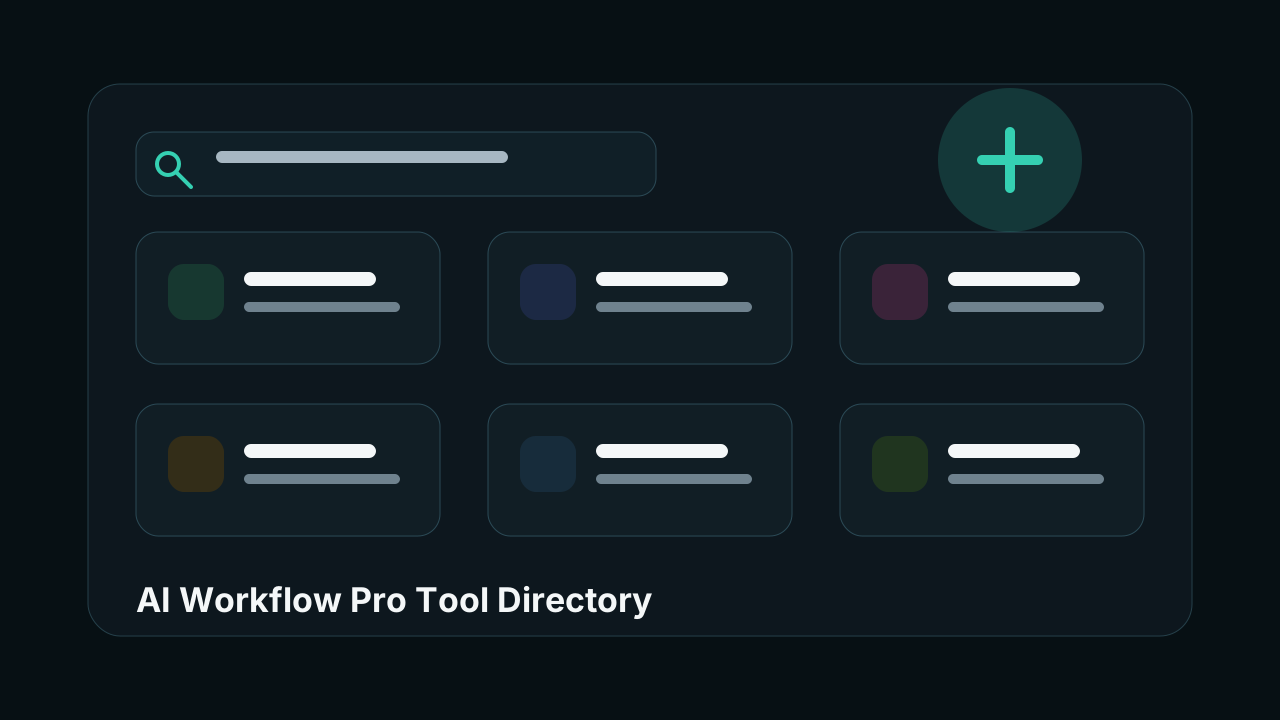
AI tool lists are easy to make and hard to use. A directory becomes useful only when it helps someone answer a concrete question: which tool should I try for this workflow, and what should I compare it against?
AWP starts from that job. The directory is organized around tool categories, short descriptions, ratings, tags, and related alternatives. The goal is not to list everything on the internet. The goal is to make the next choice easier.
What we look for
We prioritize tools that are actively used in real workflows: writing, coding, image generation, video production, audio, research, design, data work, and assistant-style knowledge work.
Each entry should make three things clear:
- What the tool does.
- Which category it belongs to.
- Why it might be worth comparing.
That is why the interface emphasizes search, category filters, compact cards, and related tools instead of long marketing copy.
Why categories matter
AI software is noisy because many products describe themselves with the same words. A tool can say it is an assistant, agent, copilot, workspace, studio, or platform, and those labels often overlap.
Categories give the directory a sharper starting point. Someone looking for AI coding tools should not need to scan image generators. Someone researching AI audio should not land in a generic productivity feed.
What comes next
The current database is intentionally small. It gives the site a clean structure before the catalog grows. Next improvements should add better pricing labels, screenshots, use-case pages, and editorial comparisons.
The design principle stays simple: make AI tool discovery feel less like browsing a feed and more like choosing software for a real workflow.